
Confirmed planets
Read measured properties and discovery facts.
Worlds beyond our own. Careful with every number.
Explore confirmed exoplanets, star systems and mission candidates, with measurements, comparisons and clear references.
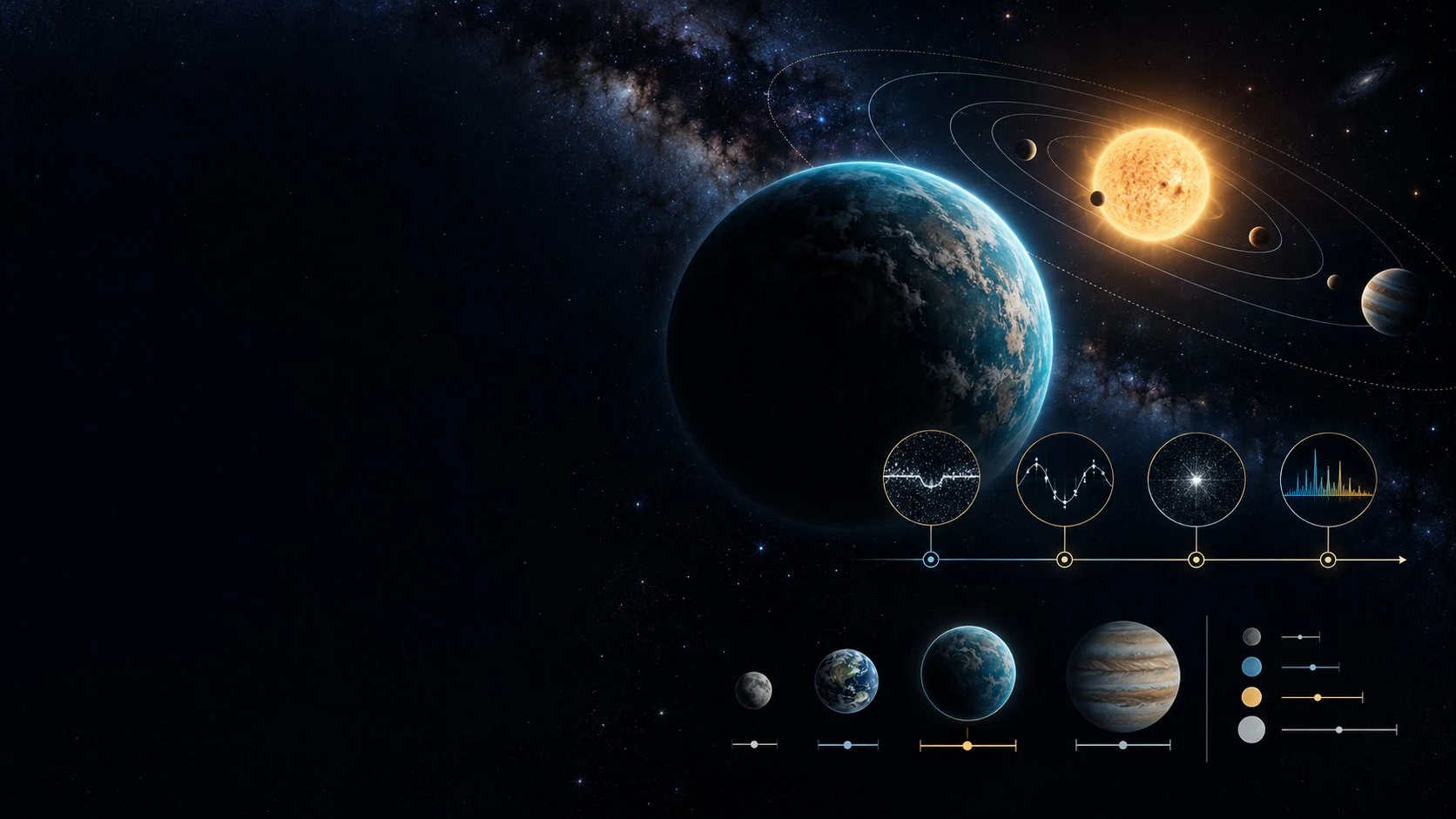
Worlds beyond our own
Explore what has been found around other stars.
Read measured properties and discovery facts.
See the system around a planet.
Browse TESS, Kepler and K2 candidates.
Keep the source behind each record in view.
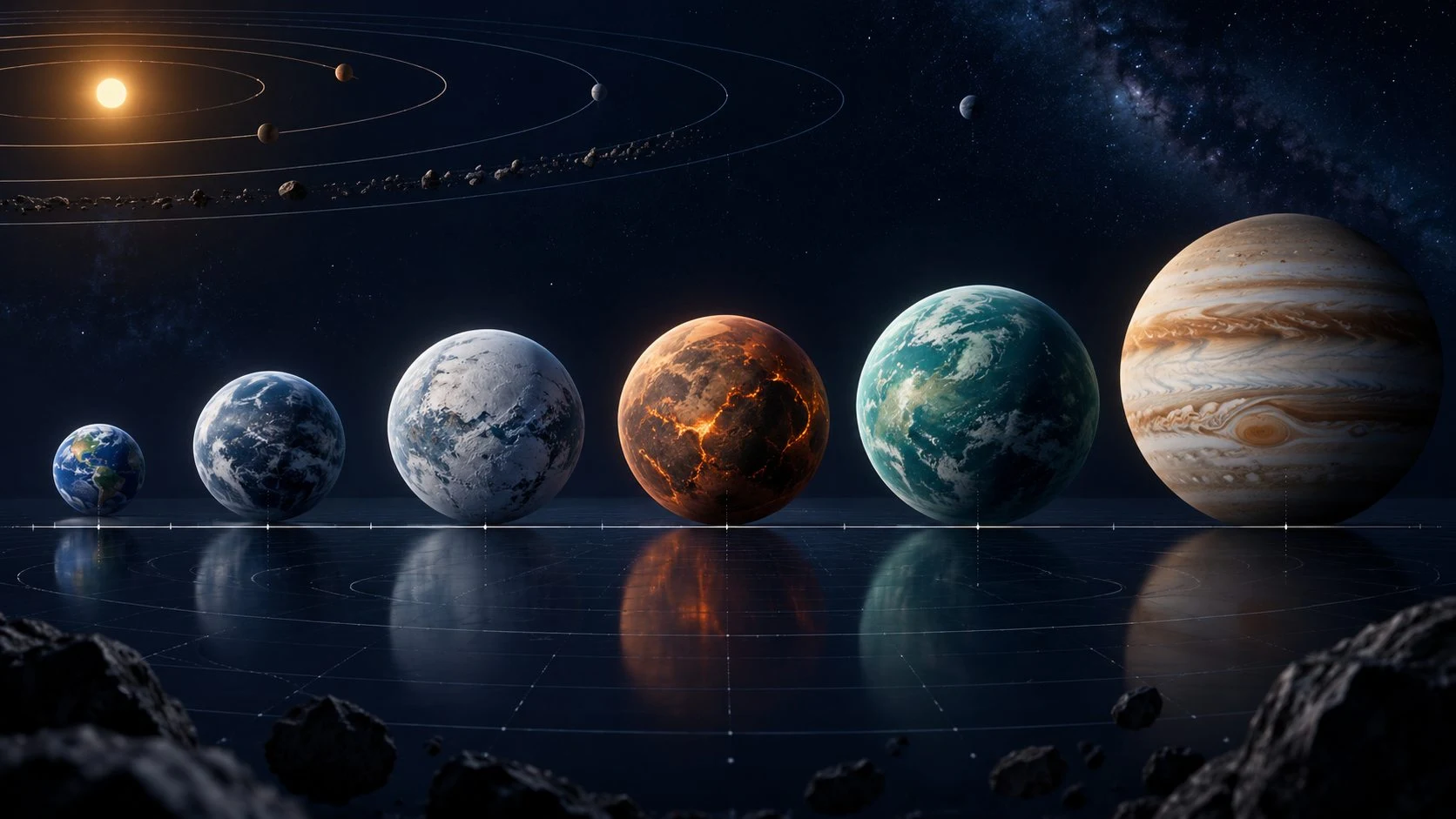
Compare on the same basis
Choose the planets you want to compare and keep their classification in view.
Compare up to four planets, using Earth and Jupiter as reference points.
Review measured properties together while retaining their ranges and uncertainties.
Four steps to a clearer comparison
Move from a subject to its measurements and sources.
Find a planet, star system or mission candidate.
Read properties, discovery facts and references.
View discoveries by year and method and property charts.
Line up up to four planets with Earth and Jupiter references.
Your exoplanet explorer
Move between subjects, measurements, discovery facts and their sources.
Find confirmed planets, host stars and mission candidates.
Keep confirmed planets, candidates and false positives distinct.
Explore discoveries by year and method.
View measured planetary properties together.
Compare up to four planets with Earth and Jupiter references.
Keep ranges and uncertainties attached to measurements.
Read discovery and parameter references with each record.
Know the date of the archive snapshot used in the app.
Keep the subject clear
Read each classification before interpreting its measurements.
Browse the confirmed planet collection.
See mission candidates under their own label.
Explore the separate mission candidate records.
Recognise records labelled as false positives.
Careful with every number
Keep the context attached to each measured property.
Review ranges alongside the measurement.
Distinguish minimum masses and other mass types.
Use parsecs with light years for comparison.
Read when values combine different papers.
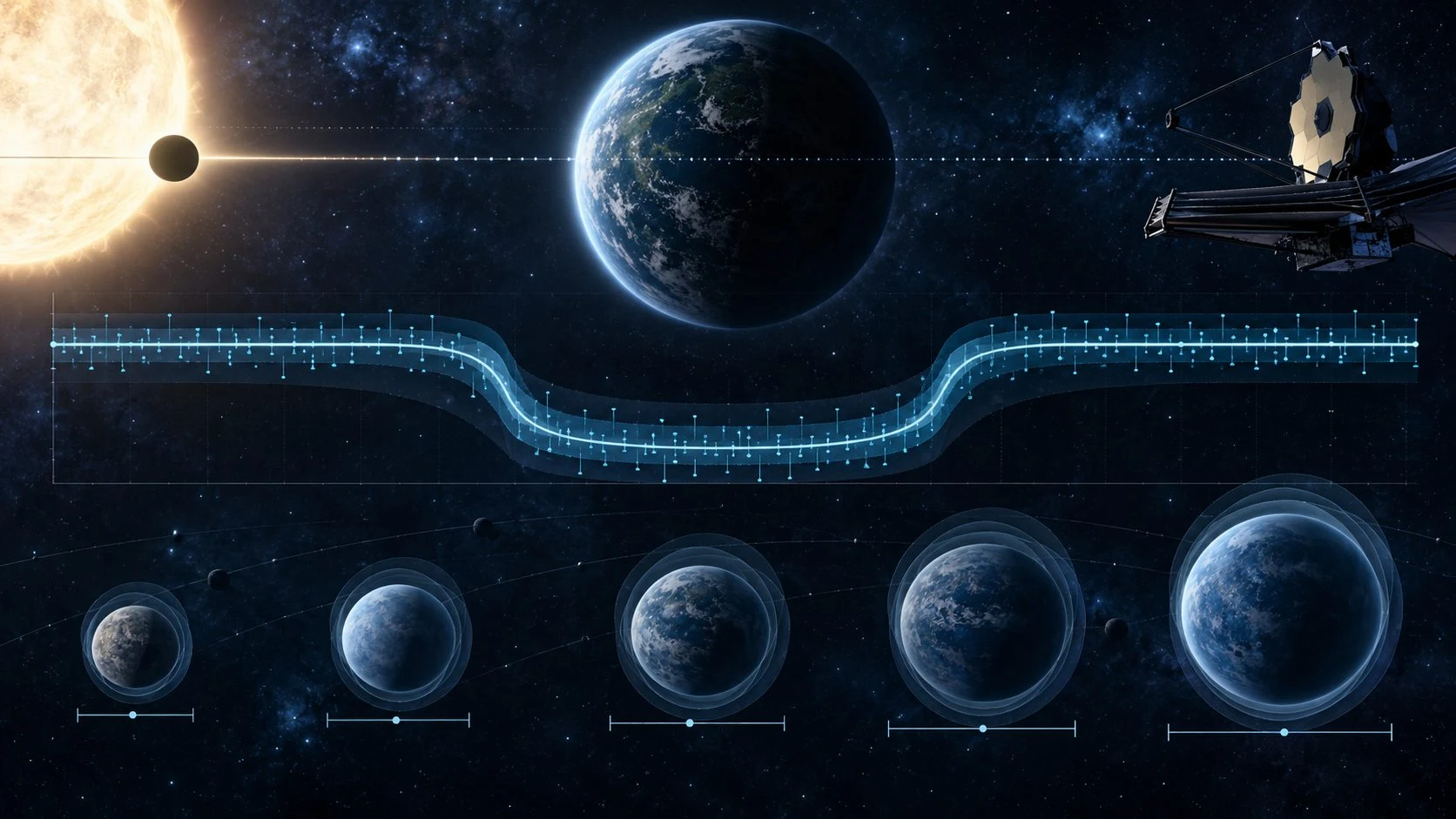
Keep uncertainty visible
Read the ranges and uncertainties attached to measured properties.
Minimum masses and other mass types are named; composite values may combine different papers with their source disclosed.
Read discovery and parameter references and the snapshot date shown in the app.
Honest, credited information
NASA Exoplanet Archive data with its references and snapshot date.
Read the dataset date shown in the app.
Retain references behind discovery facts.
Keep references attached to measured properties.
No affiliation with or endorsement by NASA, Caltech or IPAC.
Free utility access
Use Space Explorer through Desktop Command Centre on Windows and Android.
Space Explorer is free with your account.
Explore without adverts.
Use the utility through Desktop Command Centre.
Create a free VISINVOKE account to begin.
VISINVOKE means value
Bring subjects, discovery facts, measurements and comparisons together.

Keep confirmed planets and candidates apart.
Read mass types, units and uncertainty ranges.
Explore timelines by year and method.
NASA Exoplanet Archive tables, hosted as a dated VISINVOKE snapshot.
This research has made use of the NASA Exoplanet Archive, which is operated by the California Institute of Technology, under contract with NASA under the Exoplanet Exploration Program. VISINVOKE is not affiliated with or endorsed by NASA, Caltech or IPAC.
Explore your VISINVOKE workspace
Each card opens its own product website. Review purpose and access separately; related products do not promise included access or automatic synchronisation.

Open your VISINVOKE desktop products.

Prepare a live exchange after an established social mistake.

Build the wider setting around your campaign.

Develop the places your party travels through.

Explore separate adventure environments.

Explore separate fantasy image creation.
Product artwork is illustrative, not application screens or actual generated image output.
Quick answers
Understand subjects, comparisons, references and measurements.
Space Explorer is an ad-free utility for exploring confirmed exoplanets, host star systems and mission candidates. Search a subject, read its measured properties and discovery facts, view timelines and charts, and compare up to four planets.
Confirmed planets and candidates remain separate. TESS, Kepler and K2 mission candidates are identified as candidates, and false positives are labelled as such. A candidate listing does not establish a confirmed planet.
Compare up to four planets, using Earth and Jupiter as reference points. Property charts bring measurements together, while ranges and uncertainties remain visible. Distances use parsecs with light years for comparison.
Space Explorer uses VISINVOKE-hosted snapshots of NASA Exoplanet Archive tables. Planet, system and candidate pages retain discovery and parameter references, and the app shows the snapshot date. This describes a dated dataset rather than continuously live observations.
Ranges and uncertainties stay attached to measured properties. Minimum masses and other mass types are named. Composite values can combine different papers, with their source disclosed. The page does not label a planet as habitable.
Space Explorer is free with your VISINVOKE account and has no adverts. Use it through Desktop Command Centre on Windows and Android. VISINVOKE is not affiliated with or endorsed by NASA, Caltech or IPAC.
Continue in VISINVOKE
Create your free VISINVOKE account to access Space Explorer.
Use your account installer page for Desktop Command Centre.
Open Space Explorer through Desktop Command Centre on Windows and Android.